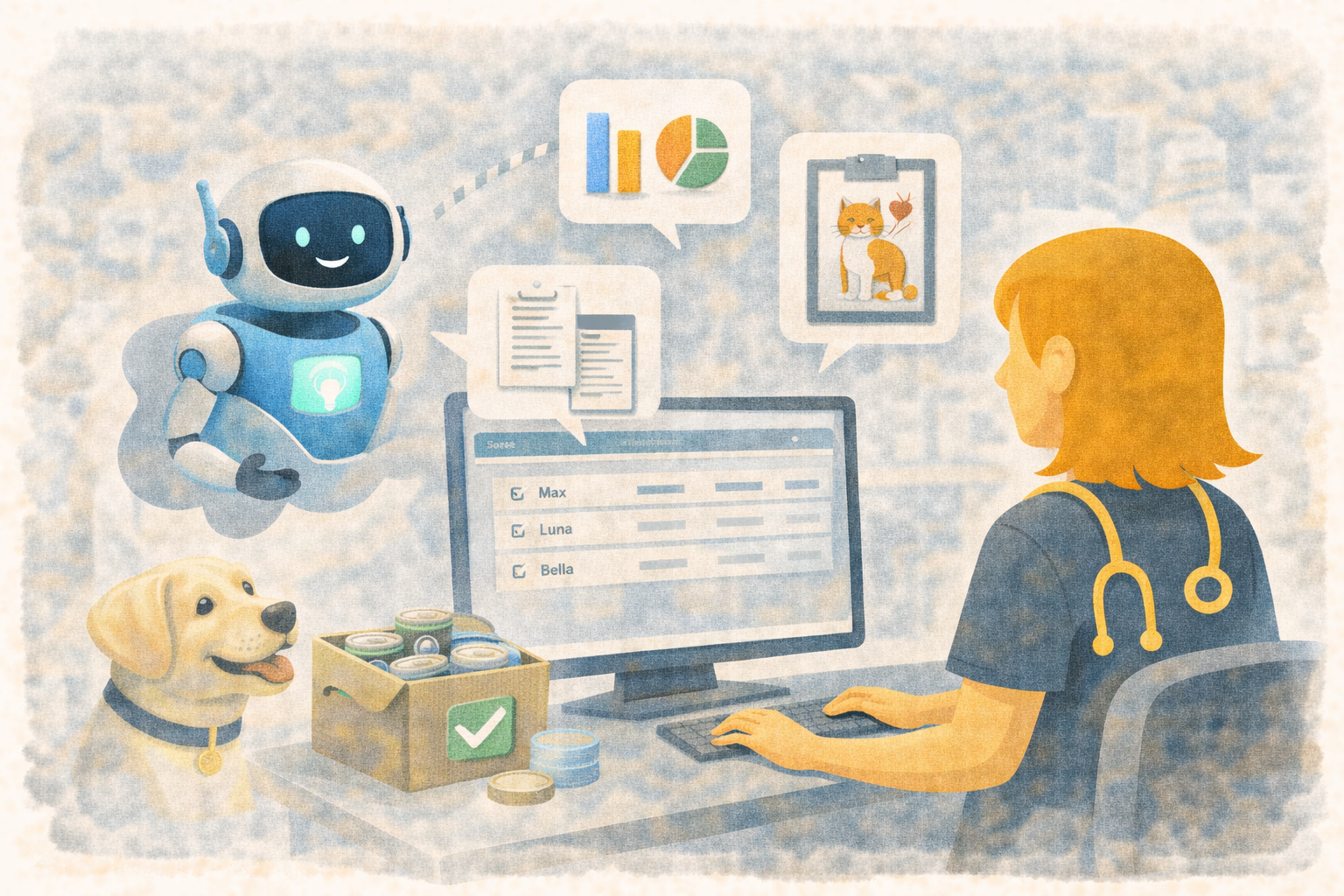
Three Updated AI Assistants to Help Veterinary Teams Move Faster in Übik
Veterinary clinics lose time in small, expensive ways. A doctor needs one detail from the last visit. A technician is trying to document a chart while also helping the patient. An owner wants to know what needs to be purchased soon, but someone has to stop and dig through inventory first.
That is why we updated the three AI assistants inside Übik.
They are built to help your team work directly inside the workflow they are already in. Instead of opening more screens, searching through records, or manually building the same updates over and over, your team can ask for help in plain language and keep moving.
Today, those three assistants are:
- History Assistant in the appointment summary
- Chart Fill Assistant in the medical chart
- Inventory Assistant in inventory
Each one is designed for a different kind of work, but they now share the same general experience: chat-first, optional voice, draggable, collapsible, and able to stay out of the way while you continue using Übik underneath.
History Assistant: ask questions about the patient without digging
The History Assistant lives in the appointment summary. Its job is simple: help your team quickly understand what happened before.
Instead of manually opening multiple visits and reading through notes, you can ask direct questions like:
- “What happened at the last visit?”
- “What medications has this pet had recently?”
- “Show me recent lab results.”
This is especially useful during active appointments, follow-up visits, and handoffs between team members. A technician can quickly get context before the doctor enters the room. A doctor can confirm what was done recently without clicking through multiple sections of the chart.
The goal is not to replace medical judgment. The goal is to reduce the time it takes to find the relevant context.
Chart Fill Assistant: turn instructions into structured chart work
The Chart Fill Assistant lives in the medical chart. This is the assistant built for action.
It helps convert typed or spoken instructions into structured chart updates, including notes, vitals, products, prescriptions, and services. That means a technician or doctor can describe what needs to happen, review the staged changes, and then save intentionally.
For example, a technician could type or say:
- “Add CBC service and cytology.”
- “Prescribe amoxicillin 50 mg.”
- “Add note: patient has been vomiting for 2 days.”
Übik then stages the requested chart changes in a commit table below the chat so the team can review what was understood before saving.
This matters because charting is one of the places where speed and accuracy are always in tension. The Chart Fill Assistant is meant to reduce repetitive clicking while still keeping a human in control of the final record.
Inventory Assistant: ask questions and prepare count changes faster
The Inventory Assistant lives in inventory. It helps with both read-only questions and staged inventory changes.
Your team can ask operational questions such as:
- “What products are expiring soon?”
- “What should I purchase soon?”
- “How many Amoxicillin variants do I have?”
It can also help prepare count changes, for example:
- “Add 3 to Amoxin 100.”
For clinic owners and managers, this is where the assistant becomes especially valuable. Instead of only being a data-entry tool, it can also surface useful inventory context, like projected shortages, purchase suggestions, and expiring items, without forcing someone to stop and build those answers manually.
Built for real clinic use: chat, voice, draggable windows, and review tables
All three assistants can be used by typing into the chat. If your team prefers voice, there is now a Voice toggle in the assistant window.
On desktop, the keyboard shortcuts are:
- History Assistant and Inventory Assistant:
Ctrl + Shift + Space - Chart Fill Assistant:
Ctrl + Space
If you use voice, the important detail is simple: wait until the title bar says Ready before speaking.
The assistants are also draggable and collapsible, so they do not have to take over the screen. You can move them out of the way, collapse them to the title bar, and continue interacting with Übik underneath.
That design choice matters. In a real clinic, software cannot demand your full attention every time. These assistants are meant to assist the workflow, not block it.
An example from a normal day in clinic
Imagine a technician preparing for a follow-up appointment.
First, they open the History Assistant in the appointment summary and ask, “What happened at the last visit?” In a few seconds, they get a quick summary of the recent history.
Then, during the visit, they open the Chart Fill Assistant and say, “Add CBC service and cytology, and add note: decreased appetite for 2 days.” The requested updates appear in the commit table so they can review them before saving.
Later that afternoon, the clinic manager opens the Inventory Assistant and asks, “What should I purchase soon?” Instead of manually pulling reports, they get a usable answer right in the same workflow.
That is the value of these assistants: less searching, less context switching, and fewer repetitive steps.
Beta status: please test them, but do not depend on them in critical moments yet
These assistants are still beta. We would love clinics to test them and send feedback, because real usage is what helps us improve the experience.
For now, we recommend not using them in critical cases or when your team is in a rush. We are still validating behavior, responses, and edge cases.
If something looks wrong, use the Report Issue button inside the assistant window. That sends our team the full chat log and context so we can debug response problems much faster.
Our goal is simple: help veterinary teams automate more of the busywork without getting in the way of care.
Schedule a Free Demo or Send Us a Message
We’d love to show you how Übik’s AI assistants can help automate work across your clinic.
📞 WhatsApp: 1-612-383-6374
🌐 Website: goubik.com
📧 Email: [email protected]
👉 Or send us a message on Facebook