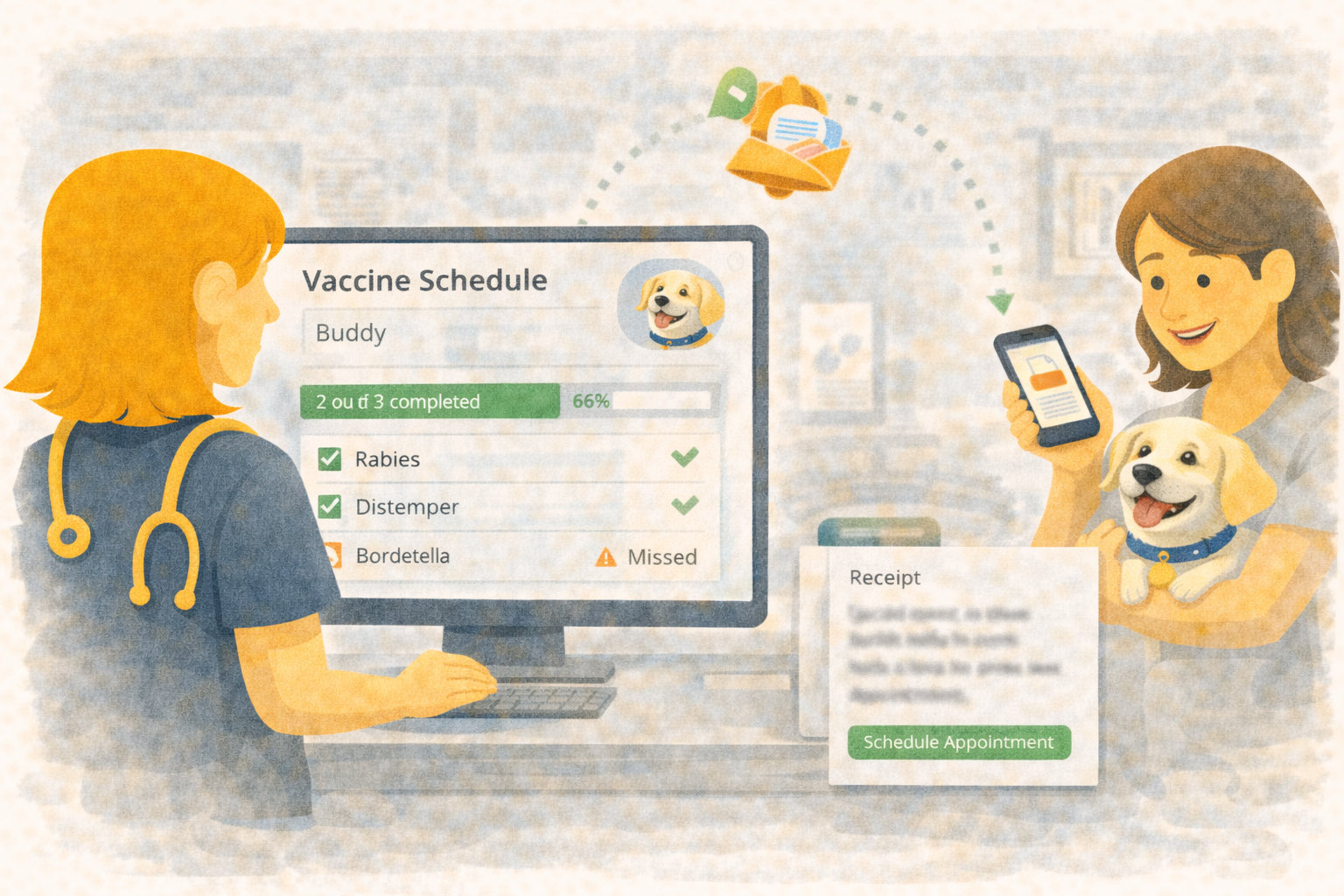
Treatment Adherence Timeline for Pet-Level Clarity
When treatments are due every few weeks or months, clarity matters. A single missed dose can lead to missed protection, frustrated clients, and gaps in care. Yet in busy clinics, it’s easy for schedules and actual administration to drift apart.
Übik’s Treatment Adherence Timeline puts everything in one place — scheduled checkpoints, actual dispenses or service renders, and the efficacy window that shows how long a treatment remains effective.
🧭 One Timeline for Scheduled, Actual, and Efficacy
Each pet now gets a clear, scan‑friendly timeline that answers three questions fast:
- What was scheduled? See planned checkpoints with status (future, next due, or missed).
- What was actually done? Actual dispenses/renders appear as separate items with the exact date.
- How long is it effective? A striped coverage bar extends from the actual treatment date through the configured efficacy period.
Hover any item to see a concise tooltip with the schedule name and the exact date or date range. The timeline stays readable even when multiple schedules apply to the same pet.
🐾 Example: Rabies Vaccine for Luna
Let’s say Luna (a cat) receives her rabies vaccine at 16 weeks of age, with a 1‑year booster thereafter. In the timeline you’ll see:
- Scheduled checkpoints at 16 weeks, then yearly boosters.
- Actual administrations on the dates the vaccine was given.
- Efficacy bars that extend one year from each dose.
If Luna received her booster 2 days late, the scheduled checkpoint will show “Fulfilled scheduled treatment · 2 days late,” while the actual administration appears at the true vaccine date. The technician can instantly answer: Is she currently covered? When is the next booster due?
✅ Built for Technicians and Owners
This isn’t just a pretty timeline — it’s an operational safeguard:
- Technicians see the next due dose at a glance and can spot missed schedules immediately.
- Managers can audit adherence over time without digging through appointment histories.
- Owners benefit from stronger compliance, fewer missed doses, and clearer communication.
You can also configure age windows, optional steps, and effective duration, so the system reflects the realities of vaccine series, booster schedules, and seasonal prevention.
⚙️ Set It Up Once, Let It Run
Creating a schedule is straightforward:
- Define the treatment (inventory, inventory group, or service)
- Add steps with timing rules (from DOB or after previous dose)
- Set recurrence and efficacy duration
- Save — Übik ties it to the pet’s actual dispenses/renders automatically
From there, the timeline stays updated without extra manual work.
🔁 One Configuration, Multiple Automations
That same treatment schedule powers other workflows in Übik:
- Follow‑up reminders: For any inventory item, inventory group, or service on a schedule, Übik can automatically send client nudges to book their booster using the Follow‑up Reminder feature.
- Vaccine certificates: Übik can generate valid vaccine certificates showing which vaccines were given, when they were administered, and how long they remain effective.
One configuration drives multiple automations — less manual work for your team and more patients returning on their own as Übik works in the background.
🚀 Why Clinics Adopt It Quickly
- Fewer missed treatments means better outcomes and better retention
- Clearer staff coordination across shifts and departments
- Stronger compliance without extra admin load
- Better groundwork for certificates and documentation later
Übik makes treatment adherence visible, actionable, and easy to trust.
Schedule a Free Demo or Send Us a Message
We’d love to show you how the Treatment Adherence Timeline can help streamline your clinic’s workflow.
📞 WhatsApp: 1-612-383-6374 🌐 Website: goubik.com 📧 Email: [email protected] 👉 Or send us a message on Facebook